
Native multimodal reasoning for text, image, video, audio, and 3D-aware creation
MuseSpark combines tool use, visual chain-of-thought, and coordinated agent workflows in one workspace for modern AI-assisted production.
Briefs, references, reasoning, asset generation, and operations now stay inside one product surface.
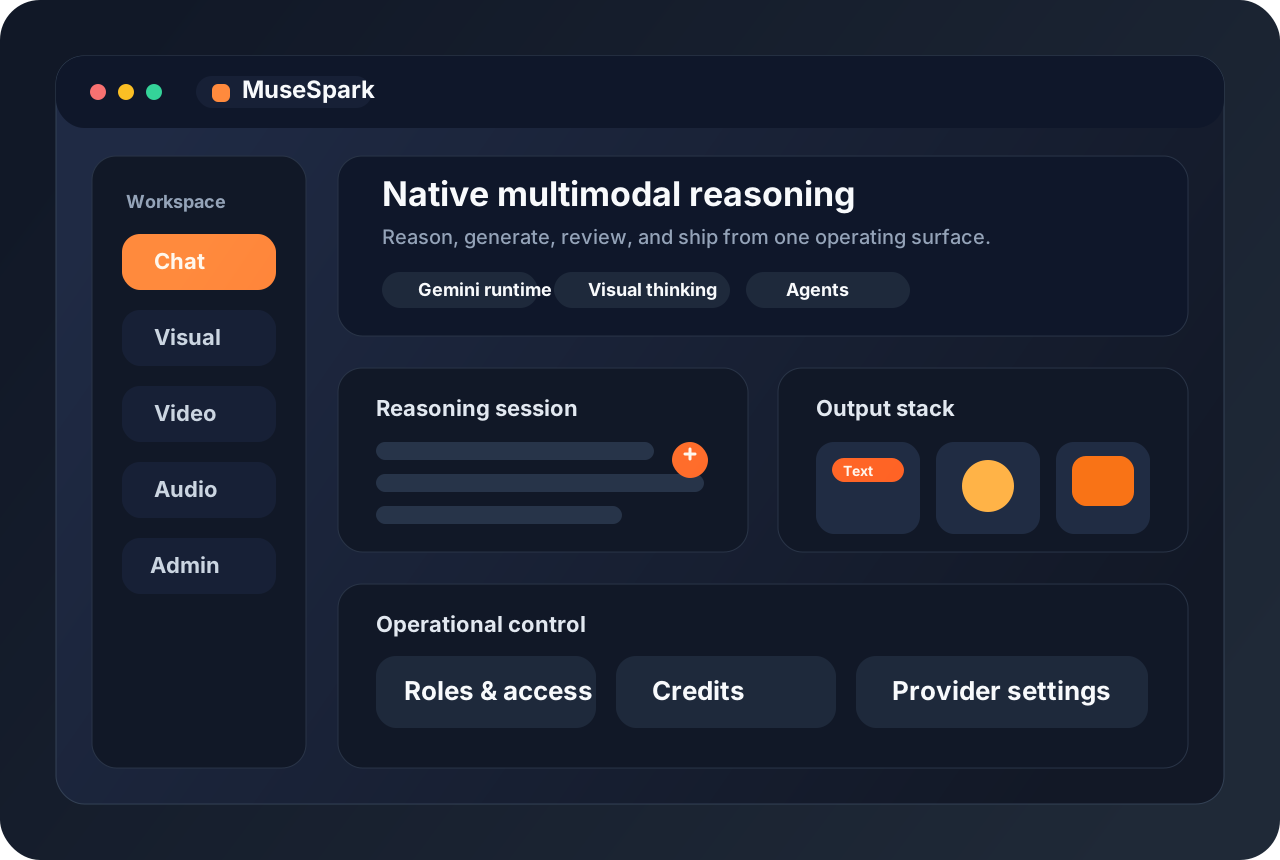


How MuseSpark works
Start with a brief, attach multimodal references, let MuseSpark reason through the task, then turn the result into production-ready outputs and controlled operations.
Native Multimodal Context
Bring text, images, videos, audio cues, and 3D references into one reasoning thread instead of splitting the job across isolated tools.
Visual Reasoning and Tool Use
Keep model reasoning close to the assets it inspects, with tools and structured thinking attached to the same workspace.
Multi-Agent Coordination
Distribute large creative or research tasks across smaller specialist roles without losing the overall plan.
Operational Control
Manage providers, keys, access, credits, and billing from the same product instead of scattering them across external dashboards.
Why MuseSpark is shaped this way
The goal is to reduce context switching. MuseSpark keeps reasoning, generation, governance, and iteration inside one practical workflow.
What the MuseSpark workspace includes today
Every primary block below routes to a built-in area of this project.
MuseSpark Chat
Reason through prompts, files, images, and workflow questions inside one branded assistant surface.
Visual Studio
Generate concept frames, campaign visuals, and reference-driven image assets from the same workspace.
Video Studio
Prototype motion outputs from prompts and still images without leaving MuseSpark.
Audio Lab
Experiment with audio direction and voice-led prompts as part of a broader multimodal workflow.
Team Access and Billing
Track credits, activity, subscriptions, and operational limits through the existing account system.
Frequently asked questions
Straight answers about what MuseSpark does today and how the current build is set up.
Open the MuseSpark workspace
Use MuseSpark Chat for reasoning, Visual Studio for imagery, and Video Studio for motion workflows.